 Quick QR Code
Quick QR Code
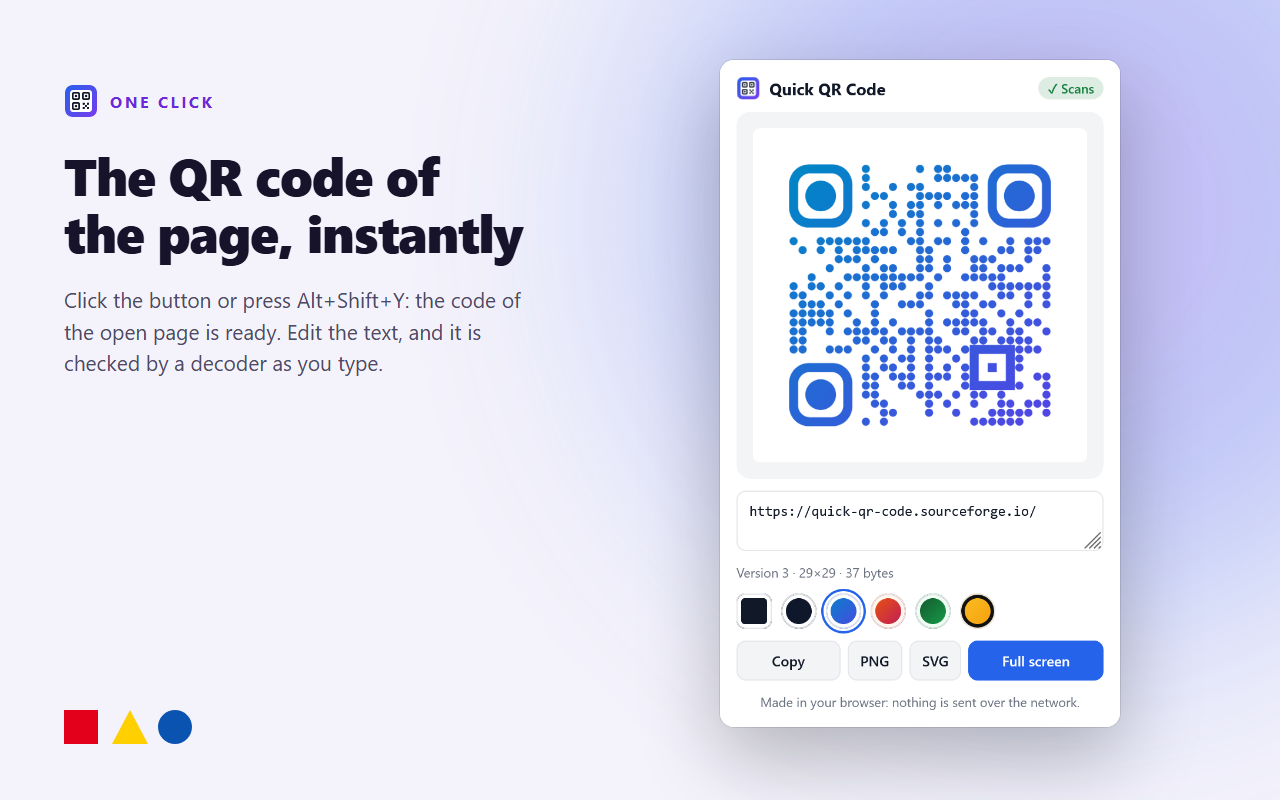
One click and you have the QR code of the page you are looking at. It is made inside Firefox: no external server, no account, no ads.
What it does
- One click on the toolbar button, or
Alt+Shift+Y: the QR code of the open page appears. - Edit freely: change the text or paste any link, the code updates as you type.
- Checked every time: each code is read back by a decoder, so you see ✓ Scans, or a warning if a style makes it hard to read.
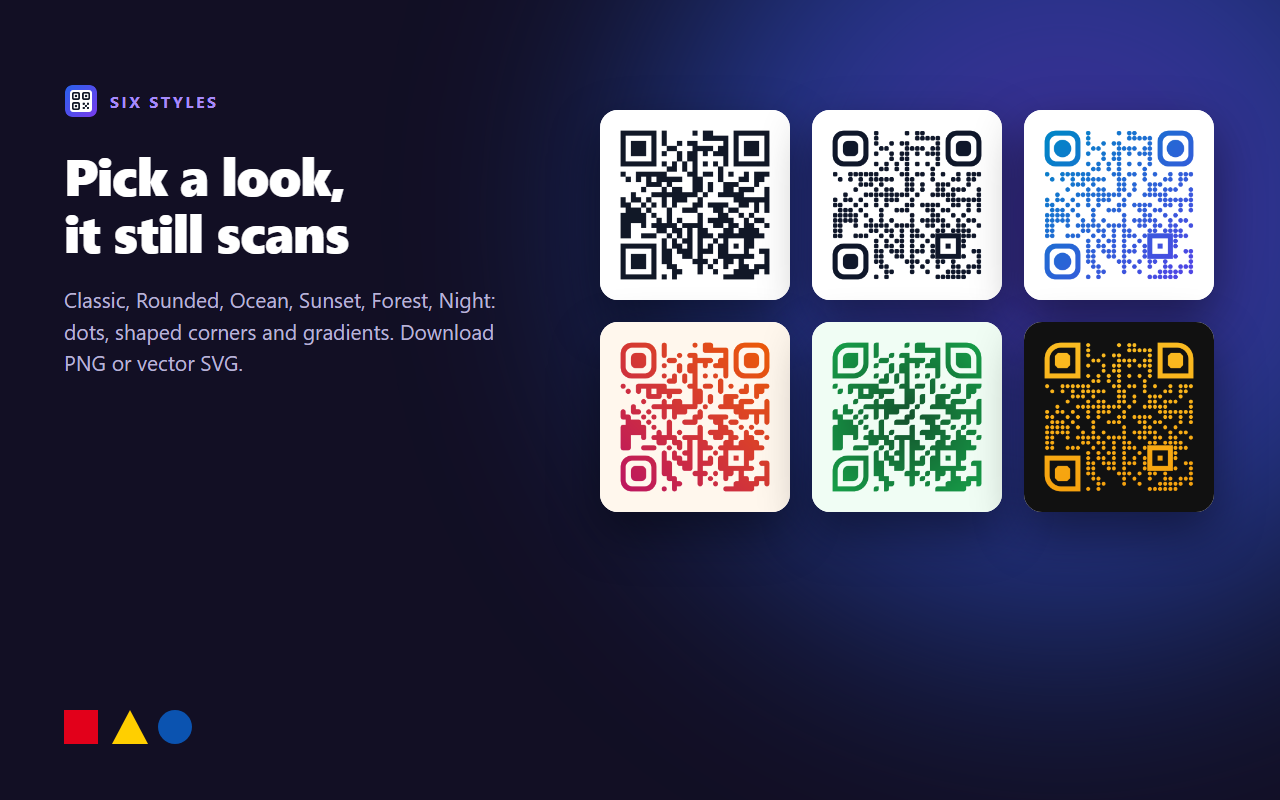
- Six styles: Classic, Rounded, Ocean, Sunset, Forest, Night, with shaped dots, corners and gradients.
- Download PNG or vector SVG for print, or copy the image.
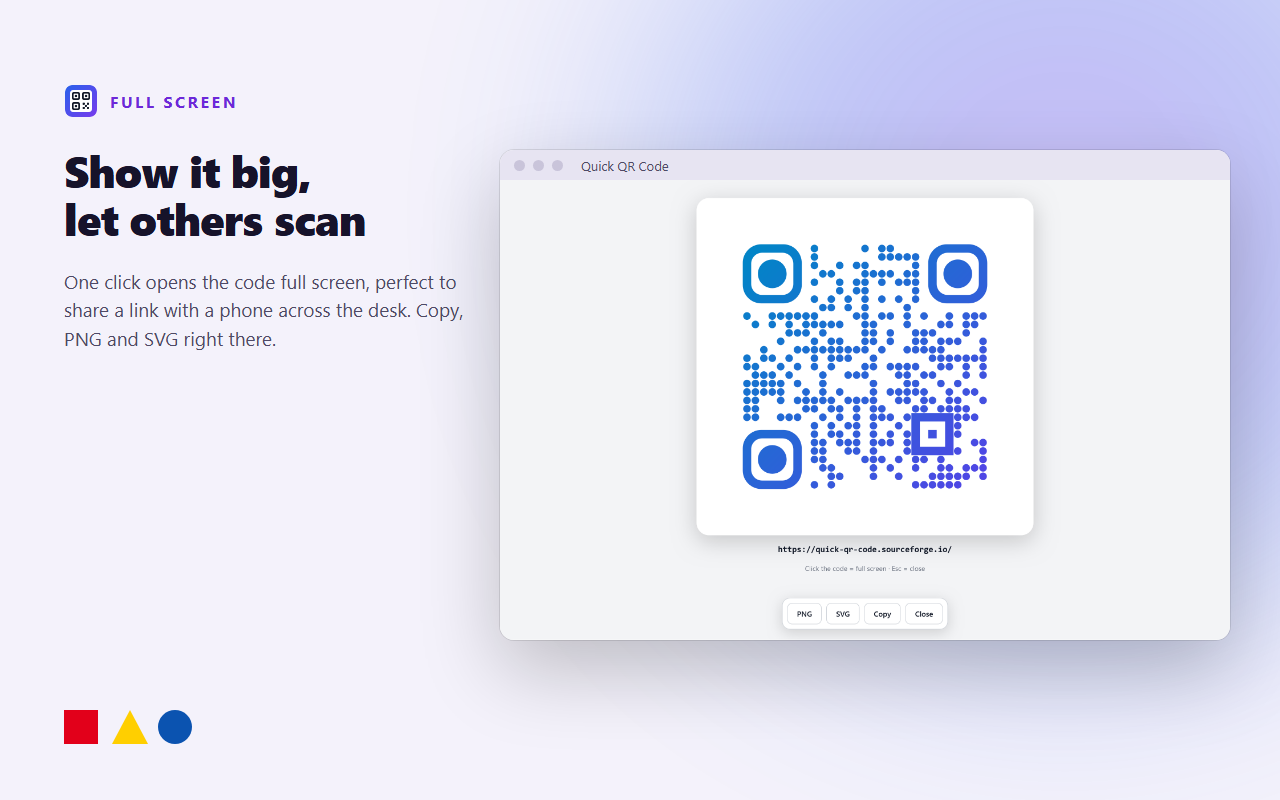
- Full screen: show the code big so a phone across the desk can scan it.
- Right-click menu: QR code of a link, of the selected text, of an image address or of the page.
- Light and dark theme, English and Italian.
Firefox for Android
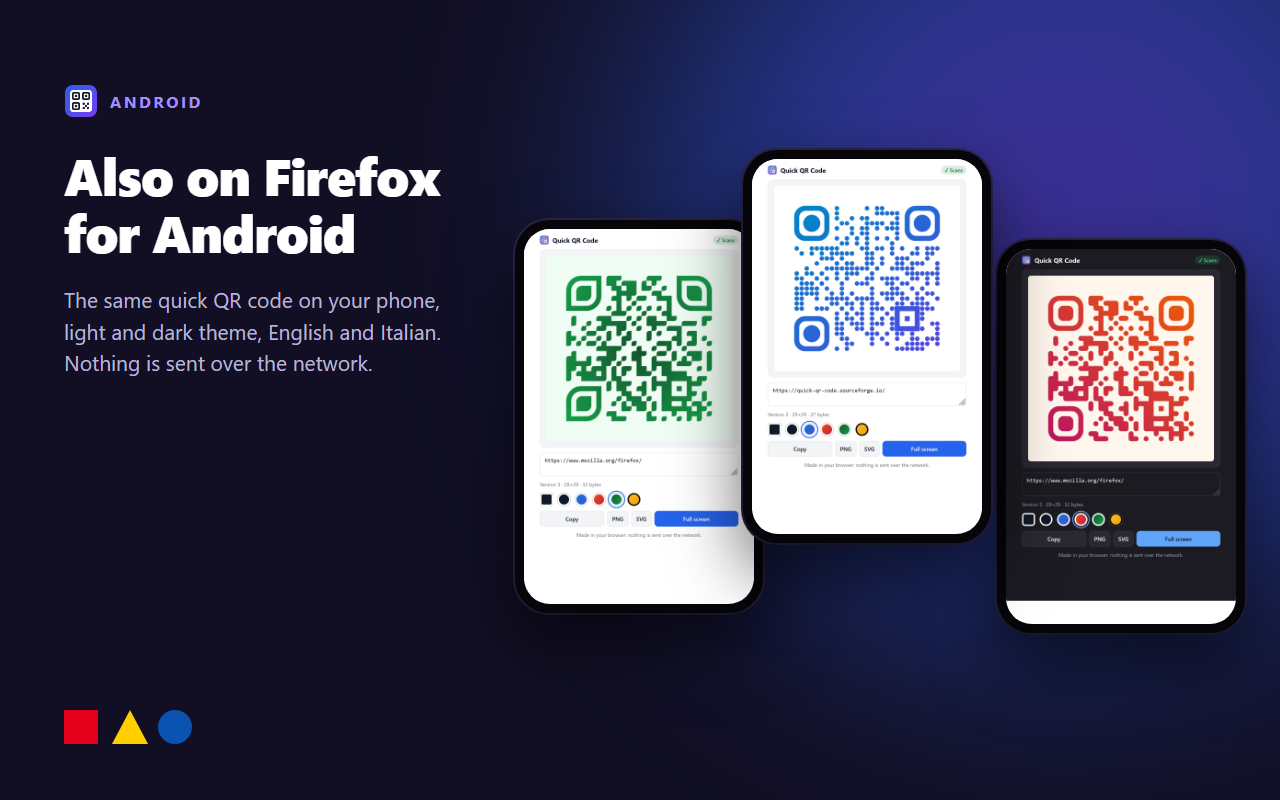
The same add-on on your phone. Open it from ⋮ → Extensions → Quick QR Code.
Permissions
| Permission | Why |
|---|---|
| activeTab | Read the address of the tab you are on when you open the panel, to make its QR code. |
| menus | The right-click entries (desktop only). |
| storage | The style you chose. |
| clipboardWrite | Copy the generated image. |
See Privacy.
Source code
Plain, unminified source with no build step. The QR encoder (ISO/IEC 18004) is the add-on's own; the scan check uses jsQR (Apache 2.0). Download it from Files.